

Using a Security Key on Android without the need of Google Play Services
What is a security key?
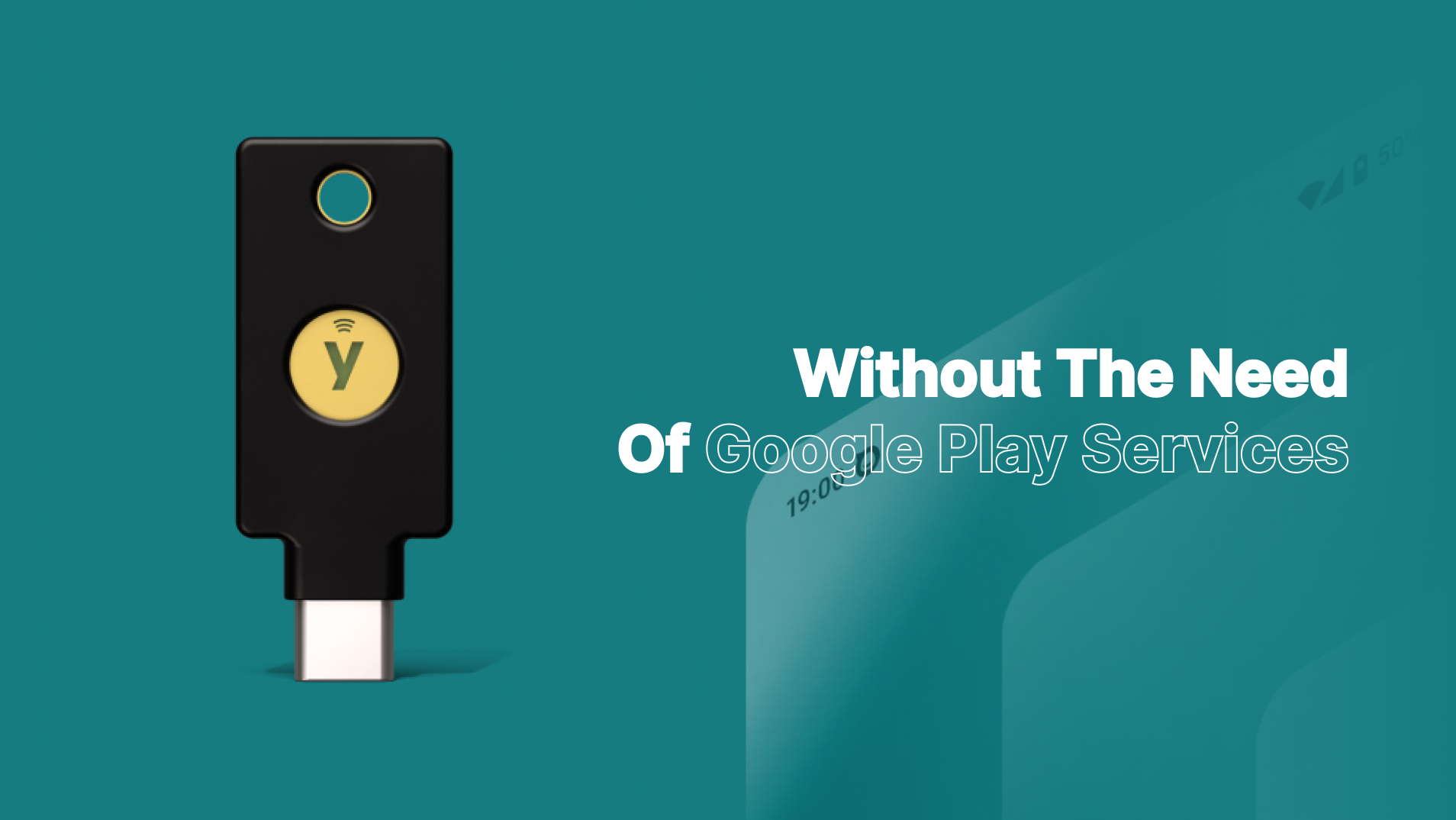
A security key is a small hardware device, resembling a USB stick or keychain fob, used to verify your identity when logging into digital accounts. this provides phishing-resistant authentication as hackers need physical access to the key itself which can't be cloned either. They're easy to use too, when registering you can just register, tab, and done! Using one is considered "gold standard" by cybersecurity experts for multi-factor authentication.
Following an attempted security breach in 2024, SudoVanilla has implements YubiKey hardware authentication to enhance server security protocols. Such as logins for dashboards, emails, high probity accounts, and even for SSH access to server terminals. Since then, there have been no breaches.
Using one on Android
When using a physical security key on Android usually requires Google Play Services to act as the essential bridge between your security key and the Android operating system as the Google Play Services provides the necessary APIs for apps and browsers with communicate with security keys via the FIDO2 protocols, handling PIN-protected credentials, and more. Without it, nothing would appear on screen or an error will show. While alternative implementations of Google Play Services exist, such as MicroG, my experience with these are inconsistent. My previous attempts to use MicroG, I encountered persistent errors when attempting to authenticate with my Yubikey.
Try Authnkey by Michel Le Bihan, an app that implements the protocol needed independently, without the need of Google Play Services or MicroG. The app supports passkeys creation and authentication over both NFC and USB, PIN verification, multiple account selection, and more. This has improved my experience with LineageOS, which I now refuse to use with Google Play Services. The app is easy setup, install from the F-Droid app store and enable Authnkey in your Passkeys settings. I have it setup as preferred over Bitwarden for my phone.
Should I get a security key?
In 2025, using a physical security key provides a robust protection for your digital accounts by virtually eliminating the risk of remote hacking and phishing attacks. Unlike passwords, SMS codes, and 2FAs that can be intercepted, these security keys require a physical touch to verify your identity, even if you leave the key plugged in, you must tap it to proceed. This ensures that attackers that have stolen your login information, can't get in without physical access, as mentioned in the start of this blog post.
For critical accounts that are very important to you such as banks, password managers, work resources, and more - it may be a good idea to look into purchasing a security key for them, adding more protection. It may be best to look for products such as Yubikey, as they're pretty standard and support multiple devices, I purchased the model with USB C to use on my personal laptop and phone.
Protect yourself online, https://www.privacyguides.org/en/security-keys/.